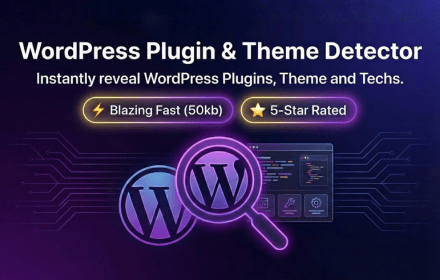
WordPress Plugin & Theme Detector: The Free BuiltWith Alternative You Need
Ever landed on a beautifully designed WordPress site and wondered, “What theme is that?” Or spotted a cool feature and thought, “Which plugin powers this?”
You’re not alone. WordPress developers, designers, and marketers ask these questions daily. The WordPress Plugin & Theme Detector browser extension answers them instantly—completely free.
What Is WordPress Plugin & Theme Detector?
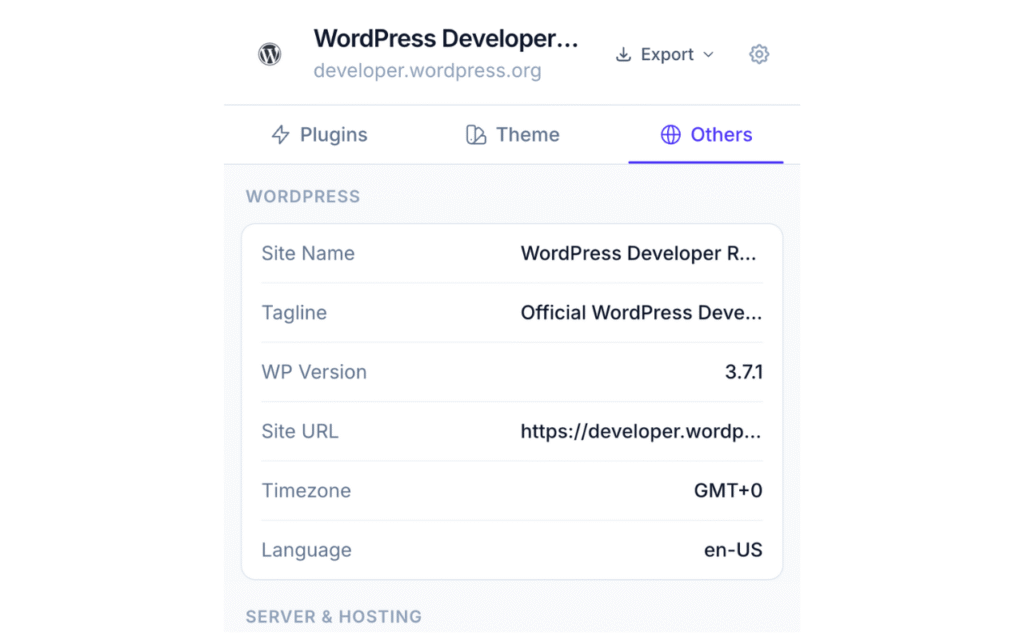
It’s a lightweight browser extension that detects WordPress plugins, themes, hosting providers, CDN services, and server technologies on any website you visit. Think of it as a free BuiltWith alternative built specifically for WordPress.
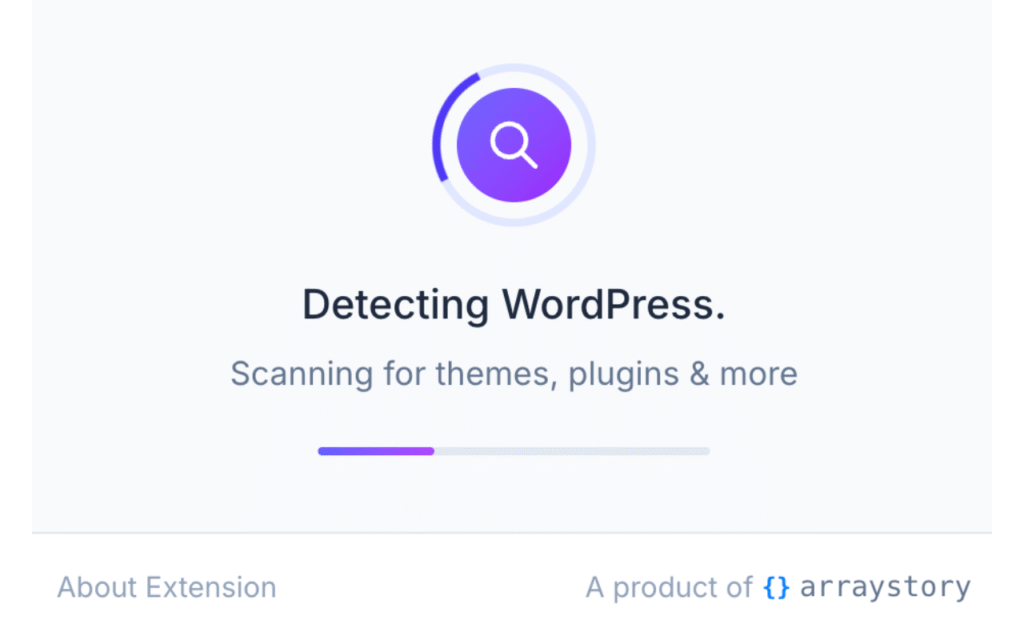
When you visit a WordPress site, the extension icon turns blue. Not WordPress? It stays gray. Simple as that.
Available for: Chrome | Firefox
/gal

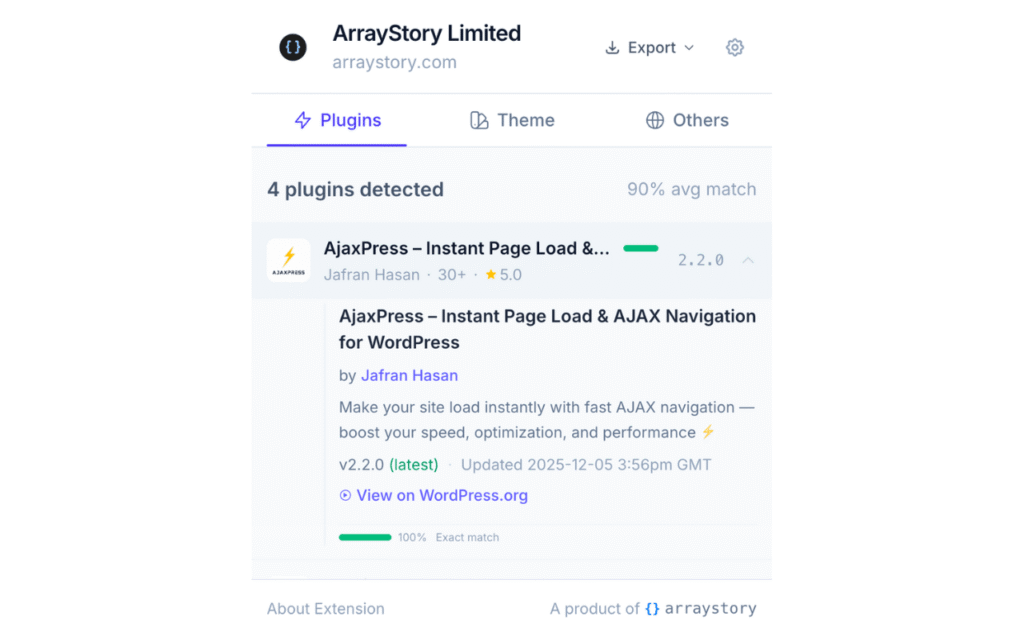
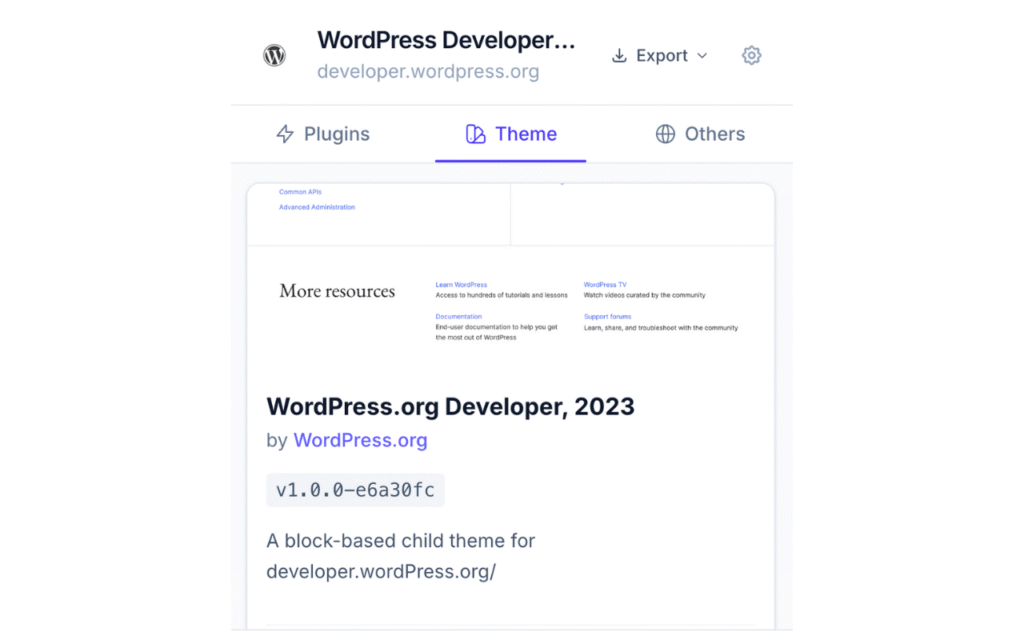
WordPress Theme Detection
Wondering what WordPress theme a site is using? Click the extension and get complete theme information:
- Theme name with live preview
- Author details and website
- Current version vs. latest available
- WordPress.org ratings and active installs
- Required WordPress and PHP versions
- Direct download link
The detector identifies both parent themes and child themes, giving you the full picture of any site’s theme setup.
WordPress Plugin Detection
The plugin detector uses multiple detection methods—REST API scanning, asset analysis, and namespace detection—to identify installed plugins with high accuracy.
For each detected plugin, you’ll see:
- Plugin name and icon
- Author and contributors
- Version and last update date
- Active installations and ratings
- Required WordPress and PHP versions
- Direct link to WordPress.org
Hosting & Infrastructure Detection
Beyond themes and plugins, the extension identifies:
Hosting Providers: WP Engine, Kinsta, SiteGround, Bluehost, Cloudways, AWS, and more.
CDN Services: Cloudflare, CloudFront, Fastly, StackPath.
Server Technology: Nginx, Apache, LiteSpeed, plus PHP version.
Caching Solutions: WP Rocket, LiteSpeed Cache, W3 Total Cache, WP Super Cache.
Export Your Analysis
Need to document your findings? Export the complete WordPress analysis as JSON or Markdown. Perfect for client reports, competitor research, or plugin audits.
Who Benefits From This Tool?
WordPress Developers researching theme and plugin stacks for new projects.
Web Designers finding theme inspiration and studying design patterns.
Agencies auditing client sites or scoping migration projects.
Security Researchers checking for outdated plugins and known vulnerabilities.
Marketers analyzing competitor WordPress setups.
Why Choose This Over Alternatives?
Most WordPress detectors are web-based tools requiring you to copy-paste URLs. This extension works as you browse—one click, instant results.
- No account or signup required
- Detection runs server-side, not in your browser
- Lightweight with zero impact on browsing speed
- Privacy-focused with no tracking
- 100% free
Get Started
Install the extension and start detecting WordPress themes and plugins on every site you visit:
- Chrome: Install from Chrome Web Store
- Firefox: Install from Firefox Add-ons